Automate Fulfillment with a PrestaShop Dropshipping API Integration
Scaling a PrestaShop store involves more than just increasing traffic or optimizing the checkout flow. The real operational bottleneck often lies in what happens after the customer pays. For high-volume merchants, the manual transfer of order data to suppliers is the primary cause of fulfillment delays and shipping errors.
While the frontend of your store is handled efficiently by PrestaShop dropshipping tools, the backend connection to your suppliers requires a more technical approach. To eliminate manual data entry and ensure real-time order processing, you need a flexible dropshipping api integration that translates your store's order data into a format your supplier’s system can ingest immediately.
The technical limitations of standard PrestaShop modules
PrestaShop is a powerful e-commerce platform, but it is designed primarily to sell products to consumers, not to manage complex B2B supply chain logistics. A standard module PrestaShop dropshipping setup might allow you to import products or sync inventory, but it often lacks the ability to push complex order data to external suppliers in real time.
Many merchants find themselves in a situation where they receive an order in PrestaShop and then have to manually log in to a supplier portal to re-key the information. Alternatively, they rely on basic email notifications that suppliers must process manually. Both methods introduce latency.
By using Dropday as a middleware layer, you bypass these limitations. You extract the order data directly from PrestaShop and use a configurable API engine to push that data to any external endpoint. This separates your sales layer from your logistics layer, allowing for cleaner operations and easier scalability.
Configuring a PrestaShop dropshipping supplier API connection
The core of automated fulfillment is the ability to send structured data to your supplier via an API call. Suppliers with modern Warehouse Management Systems (WMS) typically accept orders via REST API, requiring a specific JSON payload sent to a specific endpoint.
Dropday enables you to configure these requests without building custom software for every new supplier. You can set up a prestashop dropshipping supplier api workflow that triggers automatically as soon as an order reaches a specific status in your shop.
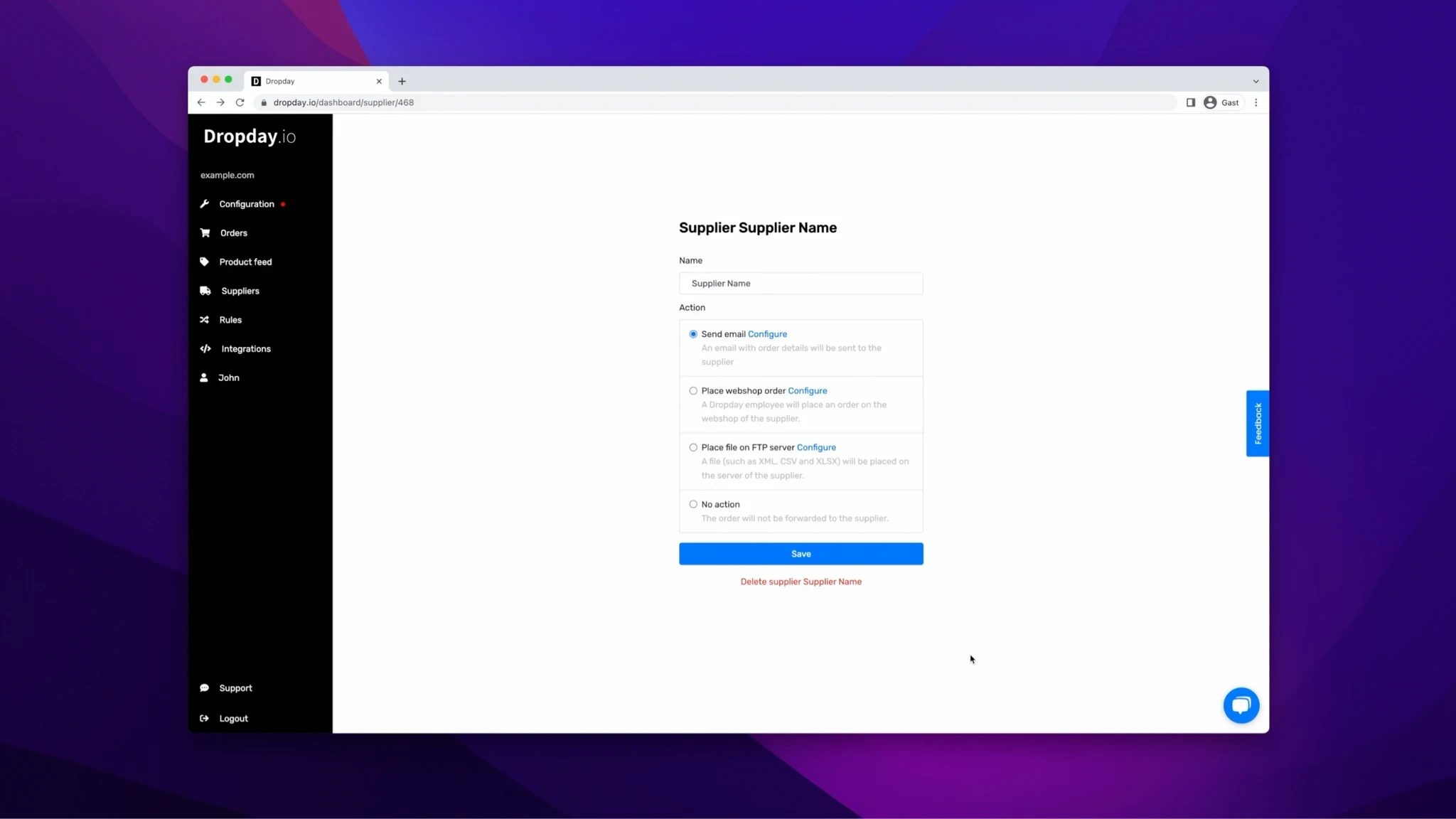
Defining the HTTP method and endpoint
Every supplier API is different. Some require a POST request to create a new order, while others might use PUT. Dropday allows you to configure the exact HTTP method required by your partner’s documentation. You simply define the endpoint URL provided by the supplier and set the necessary authentication headers, such as API keys or Bearer tokens.
Building a custom JSON body
The most critical part of the integration is mapping your PrestaShop data to the supplier’s required format. You cannot simply forward the raw PrestaShop data, as the supplier’s system will likely reject it.
Using Dropday, you construct a custom JSON body using variables. For example, you can map:
{{shipping_address.firstname}}to the supplier’srecipient_namefield{{order_lines.sku}}to the supplier’sitem_idfield{{order.reference}}to the supplier’sexternal_order_reffield
This mapping ensures that regardless of how PrestaShop structures the data internally, the API call sent to the supplier matches their exact technical specifications.
Why a flexible API integration matters for dropshipping
Hard-coding API connections directly into PrestaShop is risky. If a supplier changes their API documentation or endpoint, your developer has to rewrite code, potentially causing downtime. Using a dedicated automation platform provides a buffer. You can adjust the API configuration in the interface without touching your core PrestaShop codebase.
Furthermore, a robust dropshipping api integration allows for logic-based routing. You may have multiple suppliers for the same product or different suppliers for different regions.
Dropday allows you to set rules before the API call is made. For instance, if an order is destined for the UK, the system can route the API call to Supplier A. If the order is for the EU, it routes to Supplier B. This logic happens instantly, ensuring the order data reaches the correct fulfillment center without human intervention.
Handling suppliers without API capabilities
While API automation is the gold standard, not every partner in your supply chain will have a modern technical stack. You may work with manufacturers who still rely on older protocols.
It is important to maintain a unified workflow regardless of the supplier’s technology. In the same environment where you configure your PrestaShop dropshipping API connections, you should also be able to handle EDI (Electronic Data Interchange) or even FTP-based workflows.
If a supplier uses EDI, Dropday can transform the PrestaShop JSON data into standard EDI formats (like EDIFACT or X12) and transmit them accordingly. This ensures that your operations team uses one dashboard to monitor all orders, whether the recipient is a modern tech-forward fulfillment center or a legacy manufacturer.
Example workflow: From PrestaShop to 3PL
To visualize how this works in a live environment, consider the following workflow for a technical accessories store:
Order Placement: A B2B client places an order for 50 units on your PrestaShop store.
Import and Validation: Dropday imports the order via the PrestaShop API. The system checks if the address is valid and if the SKU exists.
Supplier Selection: Based on the SKU, the system identifies that this product is fulfilled by "Supplier X".
Payload Construction: The system generates a JSON payload. It formats the order date to ISO 8601 and combines the first and last names as required by Supplier X.
API Execution: The system sends a POST request to
https://api.supplier-x.com/v1/orders.Response Handling: The supplier’s server responds with a
201 Createdstatus and an internal tracking ID. Dropday logs this ID for future reference.
This entire process occurs in seconds. If the API call fails (for example, due to a server timeout at the supplier), the system can alert your team or retry automatically, preventing the order from being lost.
Summary of automation benefits
Implementing a prestashop dropshipping api strategy shifts your focus from data entry to process management. It provides:
Speed: Orders are transferred immediately upon payment approval.
Accuracy: Eliminates copy-paste errors and address formatting issues.
Scalability: You can process 10 orders or 10,000 orders a day with the same headcount.
Transparency: Every API call and server response is logged, giving you a full audit trail for every shipment.
By controlling exactly how data moves between your shop and your suppliers, you build a logistics operation that is reliable and ready for growth.