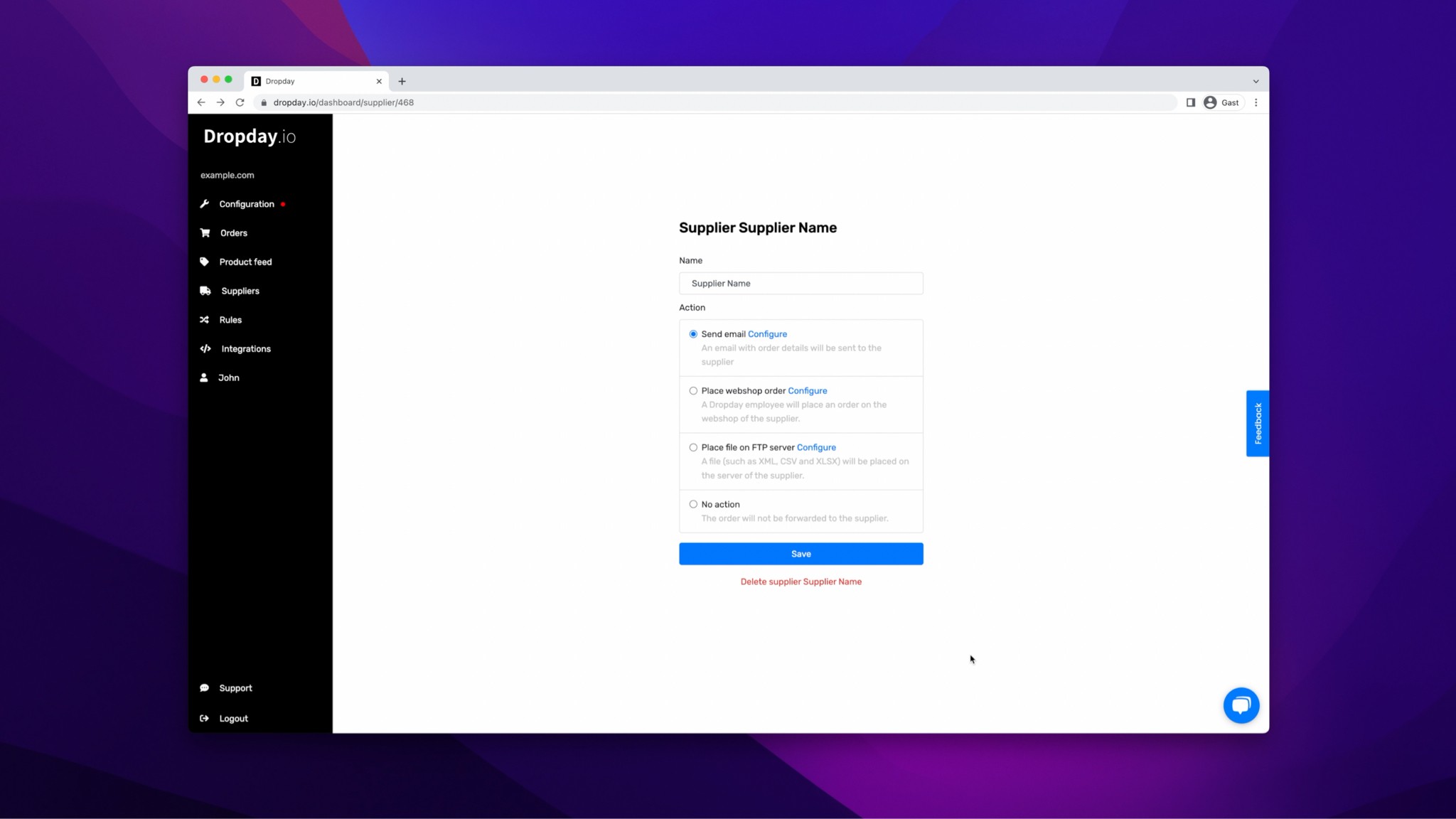
Automate dropshipping supplier orders via EDI
Dropday helps ecommerce stores automatically send dropshipping orders to suppliers via EDI, EDIFACT, X12, FTP or custom supplier workflows. Connect Shopify, WooCommerce, Magento or PrestaShop and reduce manual order processing.
Completely automated
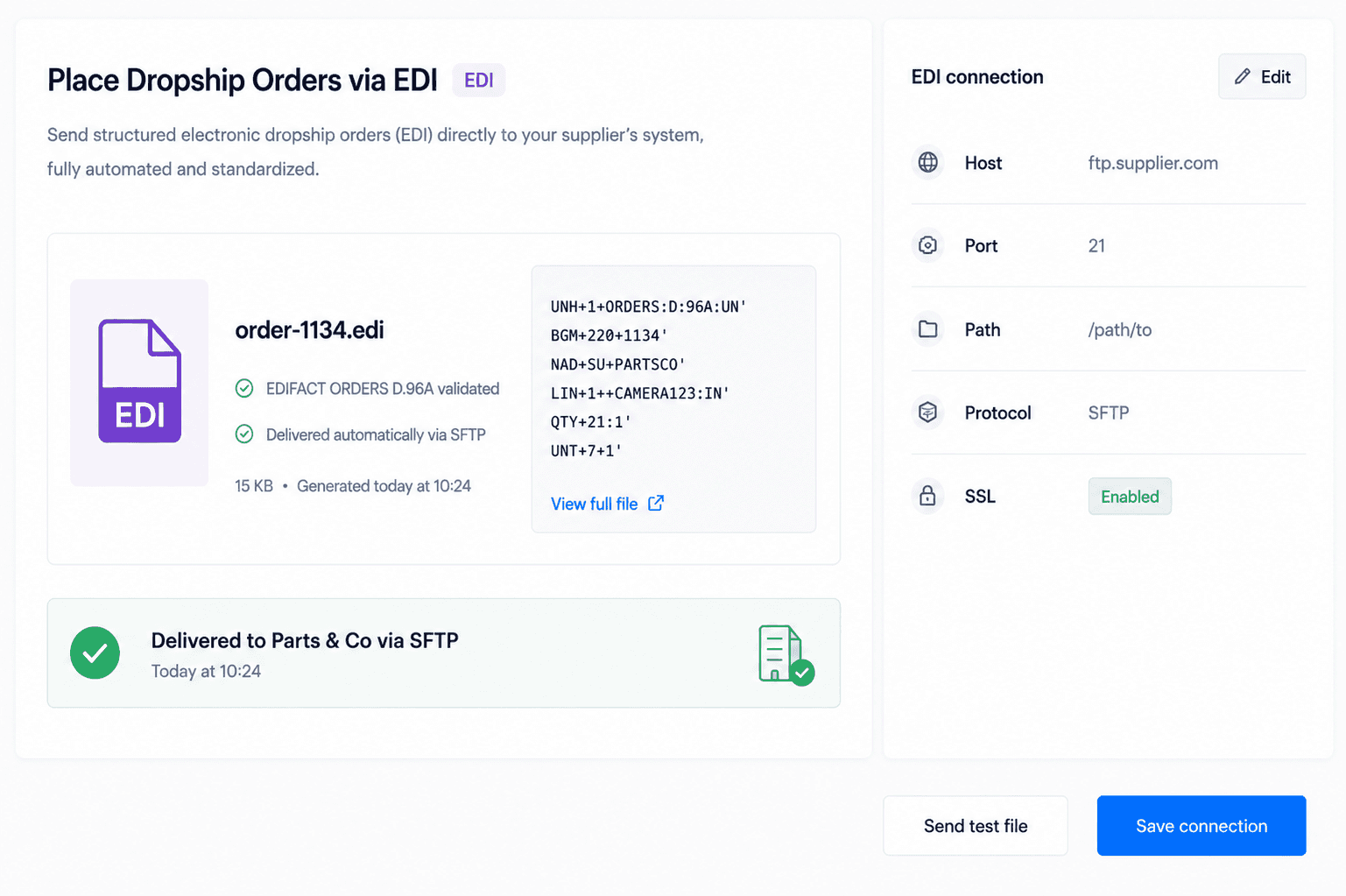
Generate and deliver EDI files (e.g. EDIFACT, X12)
Supports custom EDI formats and mappings
Place files on supplier servers automatically




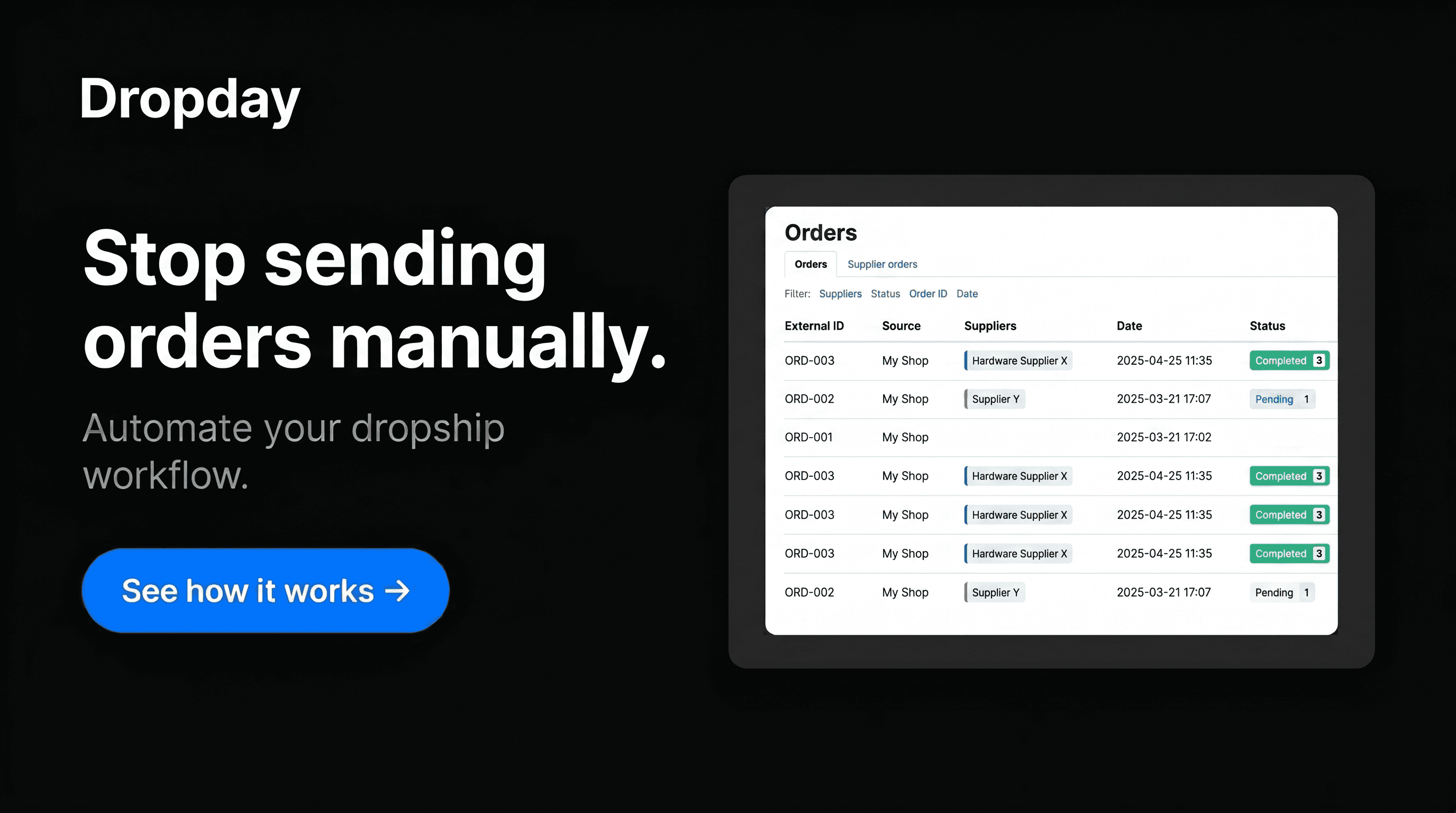
Stop sending supplier orders manually
Many ecommerce teams still process dropshipping orders by manually exporting order data, creating purchase orders, emailing suppliers or uploading order files to supplier portals. This may work when order volumes are low, but it quickly becomes time-consuming, repetitive and difficult to manage as your store grows.
Every manual step creates a risk of delays and mistakes. An order can be sent to the wrong supplier, product data can be copied incorrectly, shipping details can be missed, or an order file can be uploaded too late. These small errors can lead to slower fulfillment, unhappy customers and extra support work for your team.
Manual order processing also takes valuable time away from the work that actually helps your business grow. Instead of focusing on sales, customer experience, supplier relationships or new products, your team spends time checking orders, copying data and following up with suppliers.
Dropday helps ecommerce stores automate this process. When a customer places an order, Dropday can turn that order into a structured supplier order and make it available in the required EDI format, such as EDIFACT, X12 or a custom supplier-specific format. This helps you save time, reduce manual work, prevent errors and create a more scalable dropshipping operation.
With automated EDI order processing, your team can handle more orders without adding more operational workload.
How EDI order automation works in Dropday
Dropday connects your ecommerce platform to your supplier’s order process. When a customer places an order, Dropday automatically checks the supplier rules, creates the correct order file and makes it available in the required EDI format.
Step 1 - A customer places an order in your webshop
A new order comes in through Shopify, WooCommerce, Magento, PrestaShop or another connected ecommerce platform.
Step 2 - Dropday checks the supplier rules
Dropday identifies which supplier should receive the order and applies the correct product, shipping and order rules.
Step 3 - Dropday creates the supplier order
The customer order is converted into a structured supplier order, including the required product data, quantities, delivery details and references.
Step 4 - The order is converted into the right EDI format
Dropday can generate supplier-specific EDI files, such as EDIFACT, X12 or a custom EDI format based on your supplier’s requirements.
Step 5 - The EDI order is delivered to your supplier
The order file can be made available through FTP, local export or another agreed supplier workflow.
Step 6 - Your supplier receives the order automatically
Instead of manually creating purchase orders or forwarding order details, your supplier receives the correct order data automatically.

EDI order automation for your ecommerce platform
Connect Shopify, WooCommerce, Magento, PrestaShop or another ecommerce platform to your supplier’s EDI, FTP, API or custom order workflow. Dropday helps convert webshop orders into the format your supplier needs.
Workflow features
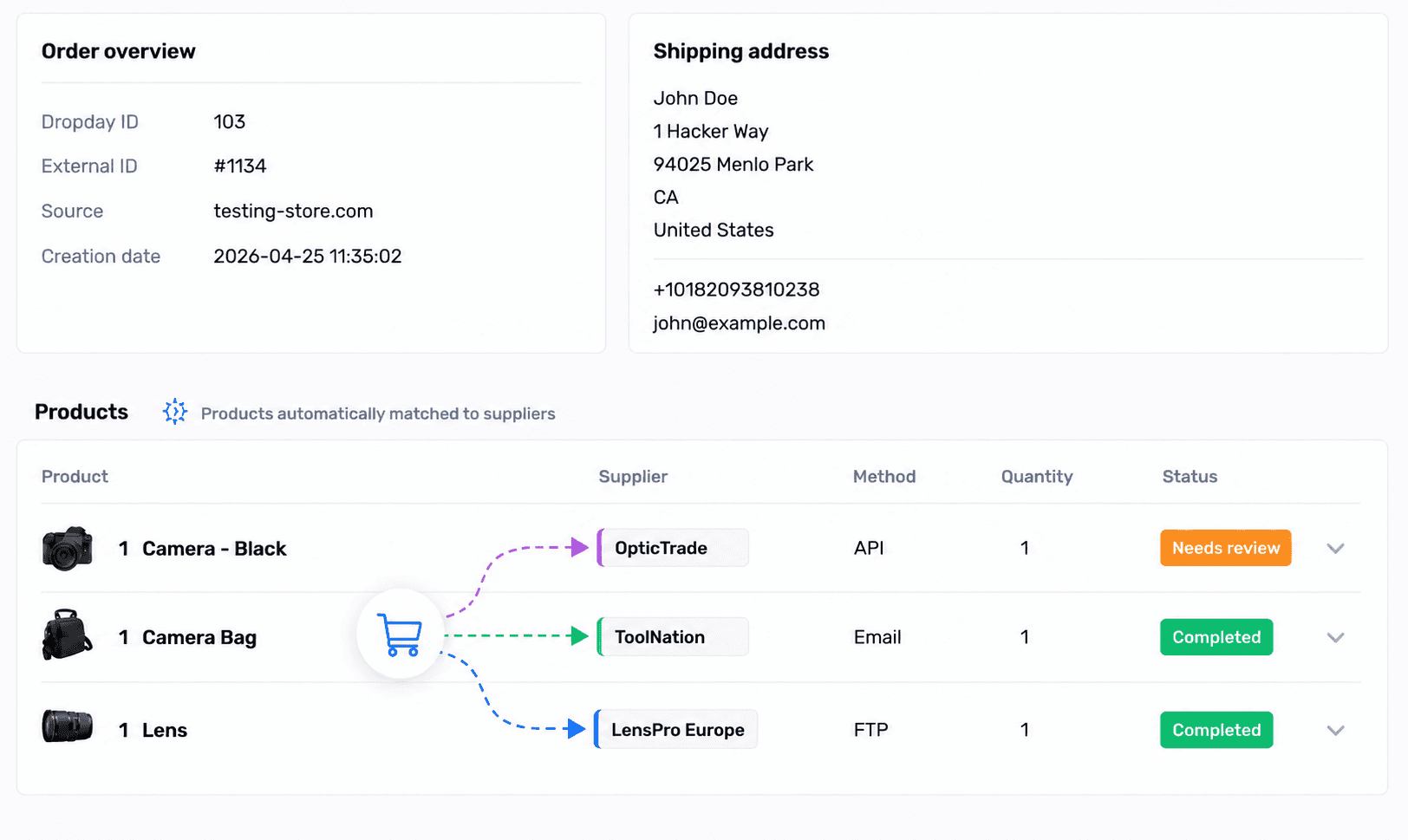
Split Supplier Orders
Automatically split incoming orders per supplier based on custom rules.
Automatically split orders per supplier
Match products to the correct supplier
Support multi-supplier orders
Fully automated processing
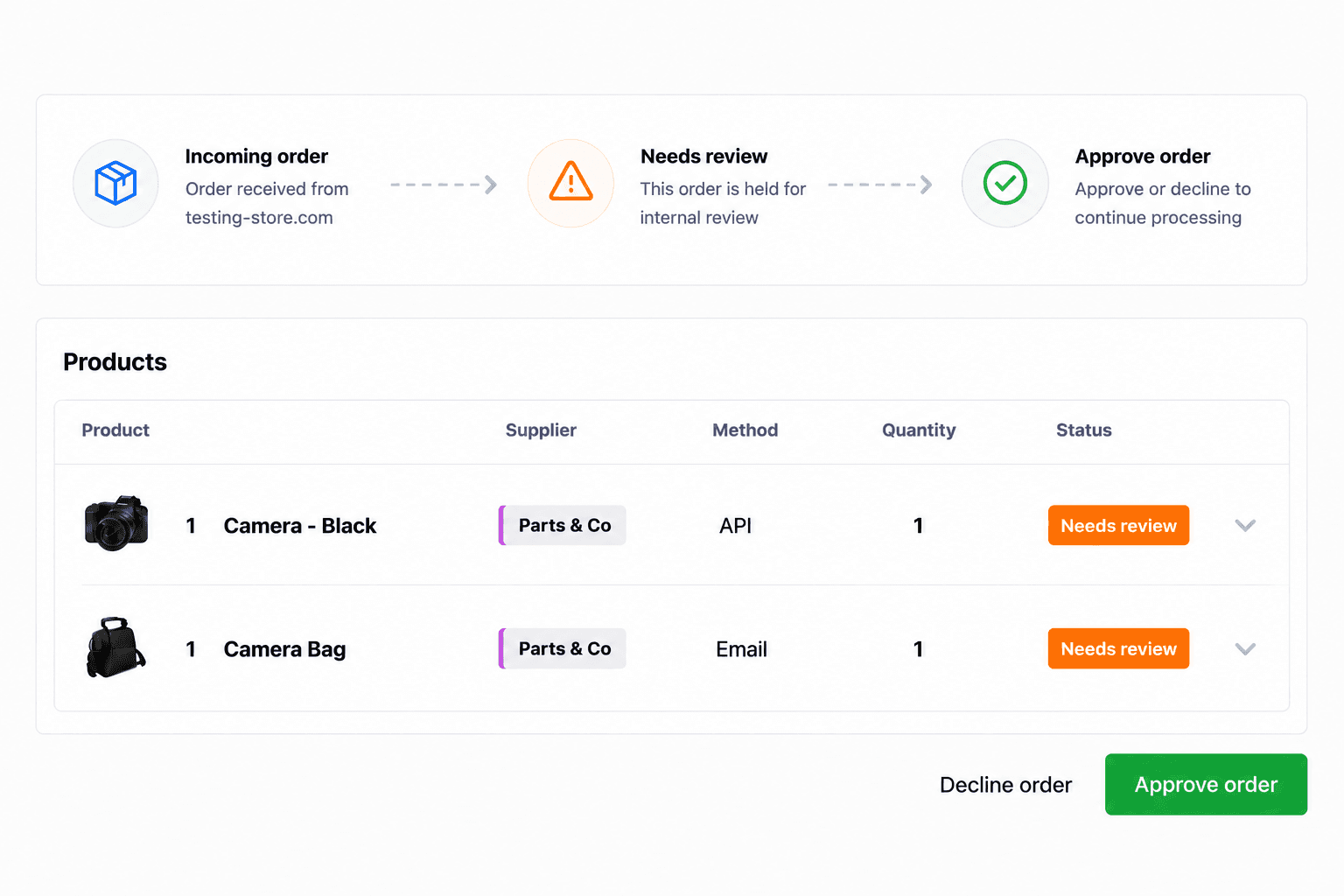
Hold Specific Orders for Internal Handling
Hold specific products, suppliers or orders for internal review, approval or follow-up.
Hold specific orders for review
Send internal notifications
Approve or decline orders before processing
Only manually handle the exceptions
Automatically Process Supplier Orders
Automatically process and send supplier orders using email, FTP, API, EDI or custom workflows.
Automatically process supplier orders
Send orders via email, FTP, API or EDI
Connect with almost any supplier workflow
Reduce daily manual order handling
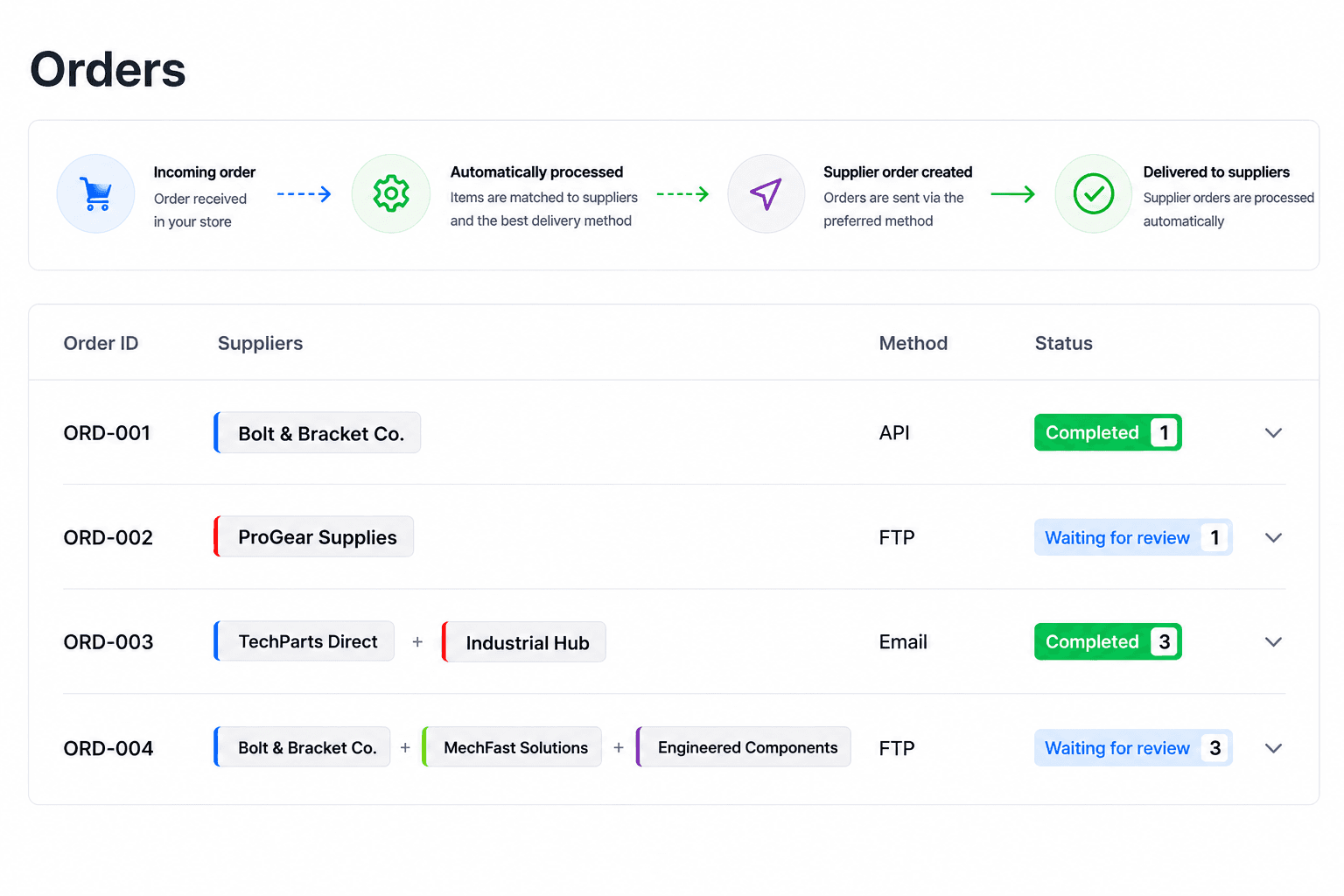
EDI, FTP, API or custom supplier workflows
Every supplier works differently. Some suppliers require EDIFACT or X12, while others use FTP, API, CSV, XML or custom order formats. Dropday helps convert webshop orders into the format and workflow your supplier expects.
FAQ