Implementing a WooCommerce EDI Workflow for Automated Dropshipping
As e-commerce operations mature, the reliance on manual order processing becomes a significant operational bottleneck. While manual emails or CSV exports work for smaller vendors, established distributors and enterprise-level suppliers often require standardized electronic communication. To bridge the technical gap between your store and these suppliers, implementing a robust WooCommerce EDI solution is essential.
Dropday provides the infrastructure to handle complex dropship edi requirements, ensuring your orders translate perfectly from your woocommerce dropshipping setup into the rigid data structures your vendors demand. By automating this translation, you remove the need for manual data entry and ensure compliance with supplier standards.
The Disconnect Between WooCommerce and Enterprise Suppliers
WooCommerce is an agile, flexible platform for selling products, but it was not originally built to communicate natively with legacy enterprise resource planning (ERP) systems. Most large-scale suppliers and fulfillment centers operate on these ERPs, which rely on Electronic Data Interchange (EDI) for data stability and security.
When a supplier mandates EDI, they are asking for orders in a strictly structured format (such as EDIFACT or X12) rather than a human-readable email or a generic spreadsheet. Attempting to code this functionality directly into a single WooCommerce installation is often expensive and difficult to maintain. A standard woocommerce edi plugin often lacks the logic to handle complex routing rules or specific mapping requirements for different vendors.
Dropday solves this by acting as the operational middleware. It connects to your store, ingests the order data, and then transforms it into the precise EDI format your supplier requires before transmitting it to their server.
Why Suppliers Mandate Dropship EDI
Understanding the technical requirements of your suppliers is the first step toward automation. Large distributors process thousands of orders daily; they cannot rely on manual interpretation of order emails.
Dropship edi is the standard for high-volume supply chains because it eliminates interpretation errors. When you utilize a system like Dropday to manage your dropship edi workflows, you are ensuring that the SKU, quantity, and shipping address are delivered to the supplier’s system exactly as their warehouse software expects to receive it. This reduces the likelihood of shipping errors and speeds up the fulfillment time.
How Dropday Automates WooCommerce EDI
Dropday does not force you to change your WooCommerce setup. Instead, it integrates with your store to pull order data and then processes that data based on your specific operational rules.
1. Flexible Data Mapping (EDIFACT, X12, and Custom)
Every supplier uses a slightly different implementation of EDI standards. One supplier might use the ANSI X12 850 transaction set for purchase orders, while a European distributor might require UN/EDIFACT D96A. Dropday allows you to map your WooCommerce order fields directly to these segments.
You can configure the system to generate:
Standard Formats: EDIFACT, X12, XML, or TRADACOMS.
Custom Mappings: If a supplier has a unique requirement for a specific segment or qualifier, the mapping can be adjusted without rewriting code.
2. Automated Transmission
Generating the file is only half the battle; it must be delivered securely. Once Dropday generates the EDI file from your WooCommerce order, it automatically transmits the file to the supplier. Supported protocols include:
FTP / SFTP
FTPS
AS2 (via integration partners)
Email attachments (for legacy systems)
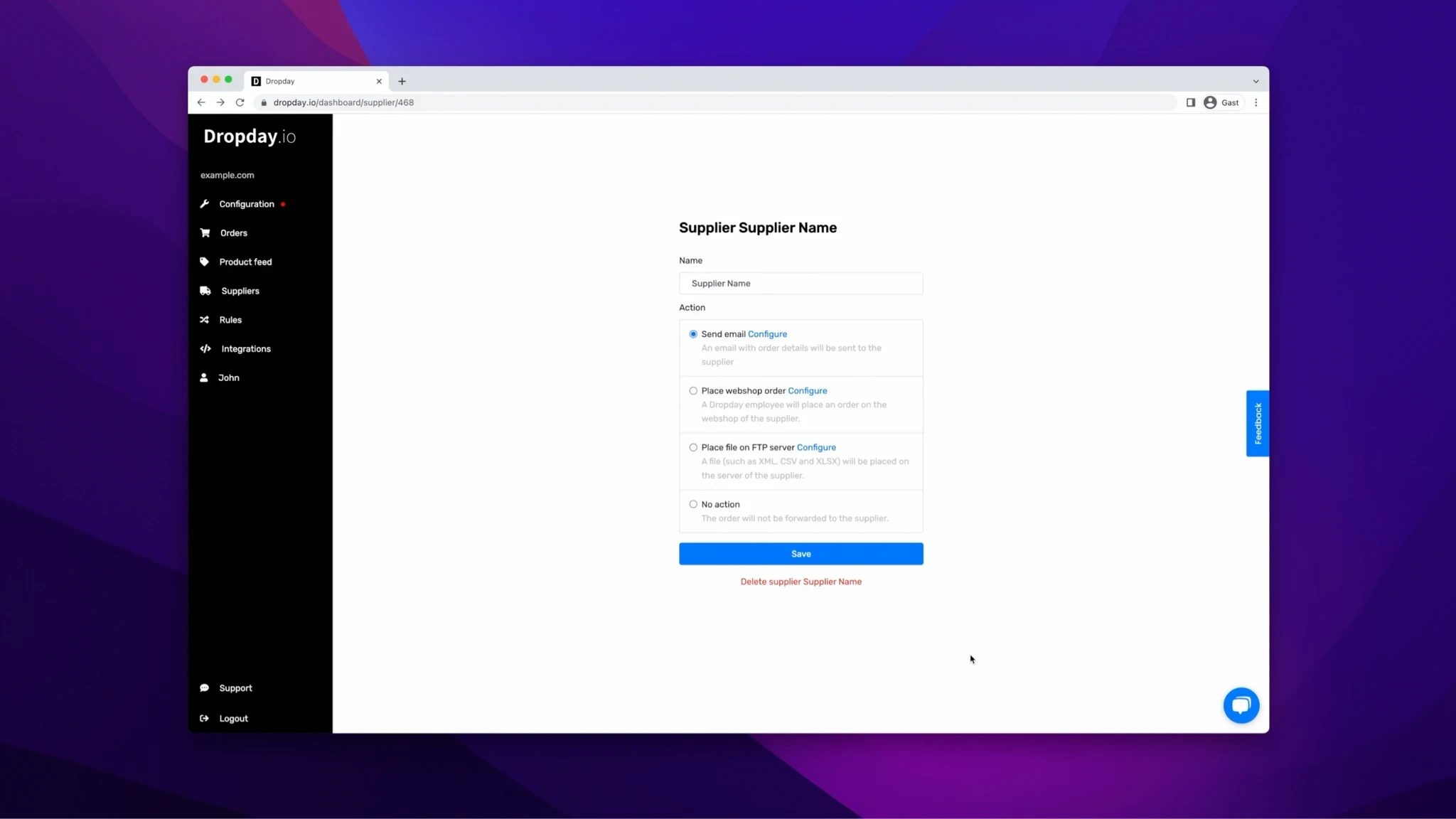
Dropday simplifies this process, offering a streamlined solution to dropship orders using EDI with WooCommerce. By automating the EDI connection, it enhances the efficiency and accuracy of order processing, minimizing potential errors and contributing to a more responsive and robust e-commerce operation.
The Role of the WooCommerce Integration
For this workflow to function, reliable data extraction is critical. The Dropday woocommerce dropshipping plugin connects your storefront to our processing engine with minimal friction.
While the heavy lifting of EDI conversion happens within the Dropday SaaS, the woocommerce dropshipping integration ensures that order status, customer notes, and line item details are synced accurately in real-time. This integration listens for new orders, validates them against your pre-set rules, and pulls the necessary data before the EDI conversion process begins. This separation of concerns keeps your WooCommerce site light and fast, while Dropday handles the complex data processing.
Practical Workflow: From Checkout to Supplier
To visualize how this works in a live environment, consider the following workflow for a store selling electronics via multiple dropship suppliers.
Order Placement: A B2B customer places an order for five laptops on your WooCommerce store.
Ingestion: The Dropday plugin detects the order and instantly pushes the data to your Dropday account.
Supplier Selection: Dropday’s logic engine identifies the correct supplier based on the SKU or shipping destination.
EDI Generation: The system recognizes that this specific supplier requires an X12 850 file. It maps the WooCommerce data (Billing, Shipping, SKUs) to the corresponding X12 segments (BEG, N1, PO1).
Transmission: The
.edifile is generated and uploaded immediately to the supplier’s SFTP server in the/inboxdirectory.Write-back: Optionally, if the supplier provides an EDI 856 (Advance Ship Notice) back, Dropday can parse this to update the tracking number in WooCommerce.
Operational Control and Error Handling
Blind automation can be dangerous. If a customer enters an invalid address or a SKU is discontinued, sending a bad EDI file can result in chargebacks or failed orders.
Dropday includes an optional review step. You can configure the system to hold orders that meet certain criteria (e.g., high value, specific country) for manual approval. Once approved, the woocommerce edi process resumes, and the file is generated.
This approach provides the scalability of automation with the safety net of human oversight. It allows you to meet the strict technical demands of major suppliers without hiring a dedicated EDI developer or managing complex server-side scripts.