Automate Supplier Orders with PrestaShop EDI
Connecting a PrestaShop store to major industrial suppliers often hits a technical roadblock: the requirement for Electronic Data Interchange (EDI). While modern platforms favor APIs, many established distributors and logistics providers still rely exclusively on EDI standards like EDIFACT or X12 to process orders.
For a merchant, this creates a gap. Your store runs on PHP and MySQL, but your supplier expects a structured text file delivered to an FTP server at specific intervals. Dropday bridges this gap. We provide the infrastructure to handle high-volume dropship EDI workflows without requiring you to build custom software from scratch. By using our dedicated connection, you can synchronize your PrestaShop dropshipping operations with even the most technically demanding suppliers.
The Challenge of PrestaShop EDI Integration
PrestaShop is an excellent e-commerce platform, but it is not designed to be an EDI generator. Native order exports are typically strictly formatted CSVs or direct database dumps that rarely match the rigid specifications of a third-party logistics provider (3PL) or wholesale supplier.
When a supplier mandates EDI, they provide a technical specification manual detailing segments, elements, and qualifiers. A single misplaced character can cause the supplier's ERP to reject the entire order batch. Building a custom script to generate these files for every individual supplier is expensive and creates a maintenance burden. If the supplier changes a field, your custom code breaks.
Dropday removes this complexity. We act as the middleware layer. Our system ingests the raw order data from your store and transforms it into the precise EDI format your supplier requires.
How the PrestaShop EDI Module Connects
The integration process begins with the installation of the Dropday module on your PrestaShop store. This PrestaShop EDI module serves as the data bridge. It does not generate the EDI files itself; rather, it securely transmits order details, customer data, and product lines to the Dropday core system in real-time.
Once the data is inside Dropday, the transformation happens. Because the heavy lifting occurs off your server, your PrestaShop performance remains unaffected, regardless of how complex the EDI generation rules become.
Supported Standards and Protocols
Flexibility is essential when dealing with diverse supply chains. One supplier might demand EDIFACT D96A, while another uses ANSI X12 850. Dropday supports the generation of all major EDI standards and custom flat-file formats.
We handle the specific delivery protocols as well. Once the EDI file is generated, we can automate the upload via:
FTP / SFTP
AS2 (via integration partners if required)
Email attachments (for legacy systems)
Direct API injection
Standardizing Dropship EDI for Scalability
The primary value of using an external automation layer is standardization. In a manual setup, a warehouse manager might manually type orders into a supplier portal. This is slow and prone to human error. In a direct-to-supplier coding setup, you maintain different scripts for every vendor.
With Dropday, you centralize the logic. You map your PrestaShop order statuses and attributes once. Then, you configure specific rules for each supplier. If Supplier A requires the shipping_address segment to be formatted with a specific qualifier, that is a configuration setting, not a code change.
This approach is critical for dropship EDI because it allows you to scale. You can add new suppliers or change existing ones without needing a developer to rewrite your PrestaShop core files.
Dropday simplifies this complex landscape by enabling a straightforward approach to dropshipping using EDI with PrestaShop. Through a seamless integration, Dropday ensures that the benefits of EDI are harnessed without the usual pitfalls, enhancing overall efficiency and reliability.
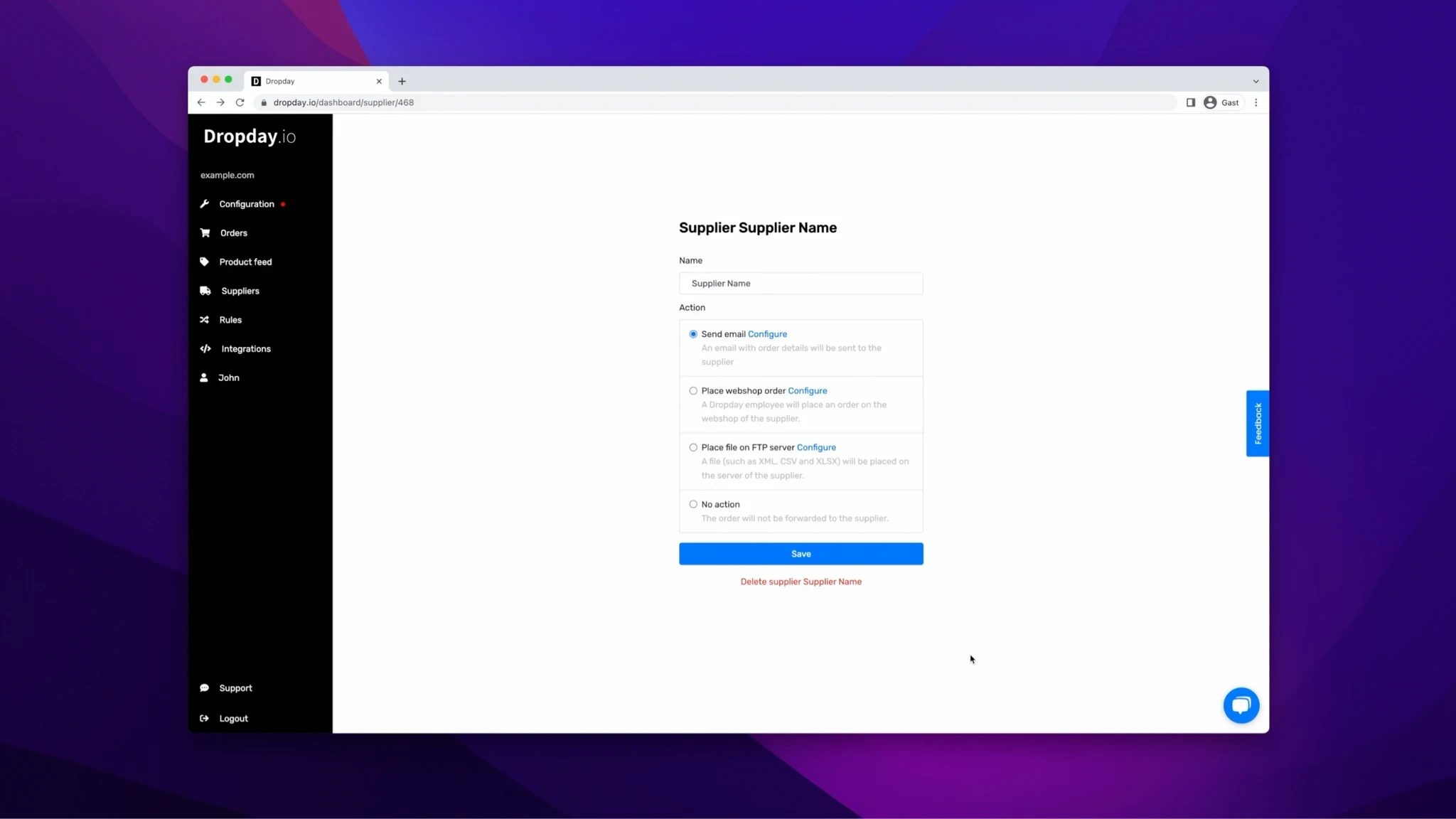
Workflow: From Customer Purchase to EDI Transmission
Implementing a PrestaShop EDI workflow follows a logical sequence designed to ensure data integrity before the order leaves your control.
Order Placement: A customer places an order in your PrestaShop store.
Data Ingestion: The Dropday module detects the new order and pushes it to your Dropday dashboard.
Supplier Routing: Based on your pre-set rules (e.g., SKU, brand, or delivery country), Dropday assigns the order to the correct supplier.
Format Translation: The system converts the PrestaShop data into the specific EDI string required by that supplier (e.g., mapping
id_orderto theBEGsegment in X12).Transmission: The file is generated and uploaded to the supplier’s server automatically.
Feedback Loop: If the supplier provides an EDI acknowledgement (997 or CONTRL) or a tracking file (856 or DESADV), Dropday can process this to update the order status back in PrestaShop.
Controlled Automation and Oversight
Automation should not be a "black box." While the goal is to reduce manual work, maintaining control over your PrestaShop dropshipping process is vital for customer satisfaction.
Dropday allows for hybrid workflows. You can set rules that hold specific orders for manual review before the EDI file is generated. For example, if an order value exceeds a certain threshold or contains a specific flag, the system can pause the automation. You can then review the details and release the order to the EDI generation queue with a single click.
This ensures that you are sending clean, validated data to your suppliers, reducing the risk of returns or fulfillment errors downstream.
Getting Started with PrestaShop and EDI
Transitioning to EDI does not have to be a six-month implementation project. Because Dropday is already integrated with PrestaShop and has a flexible engine for file generation, we can often replicate supplier specifications in a fraction of the time required for custom development.
We focus on the operational reality of e-commerce: reliable data transfer, process visibility, and the ability to adapt as your supplier network grows.