Automate Order Fulfillment with a custom Shopify dropshipping API connection
Scaling a Shopify store eventually reveals the operational limits of manual order processing. When daily order volumes increase, copy-pasting customer details into supplier portals or emailing CSV files becomes a bottleneck that threatens growth. For serious e-commerce operations, the solution lies in direct system-to-system communication. Implementing a robust dropshipping api integration allows your Shopify store to speak the same language as your suppliers, regardless of the software they run.
While many merchants start with a standard Shopify dropship app, these plugins are often limited to specific marketplaces or pre-integrated vendors. Dropday takes a different approach by providing a middleware layer that allows you to configure custom API connections to virtually any supplier. This enables fully automated, real-time data transfer without the need for expensive custom development or enterprise-grade ERP systems.
The mechanics of Shopify dropshipping API automation
At its core, an API (Application Programming Interface) connection replaces human data entry. When a customer places an order on your Shopify store, that data needs to reach your supplier’s warehouse management system (WMS) instantly and accurately.
A standard Shopify setup does not natively support custom API calls to third-party logistics providers or private suppliers. It simply stores the order data. To automate the fulfillment process, you need a system that can extract that order data, reformat it into a structure the supplier’s server understands (usually JSON or XML), and transmit it securely.
This process involves several technical requirements:
Authentication: Verifying your identity with the supplier’s server using API keys or tokens.
Method selection: Defining whether the request is a POST (creating a new order), PUT (updating an order), or GET (retrieving stock levels).
Payload definition: Mapping Shopify variables (like
shipping_address,sku, andquantity) to the specific field names required by the supplier.
Dropday simplifies the technical complexity of connecting Shopify to external vendors. Instead of writing code from scratch, you use a visual configuration tool to build your Shopify dropshipping api requests. This functionality is designed for operations managers who need control over the data flow without relying on a software engineering team for every adjustment.
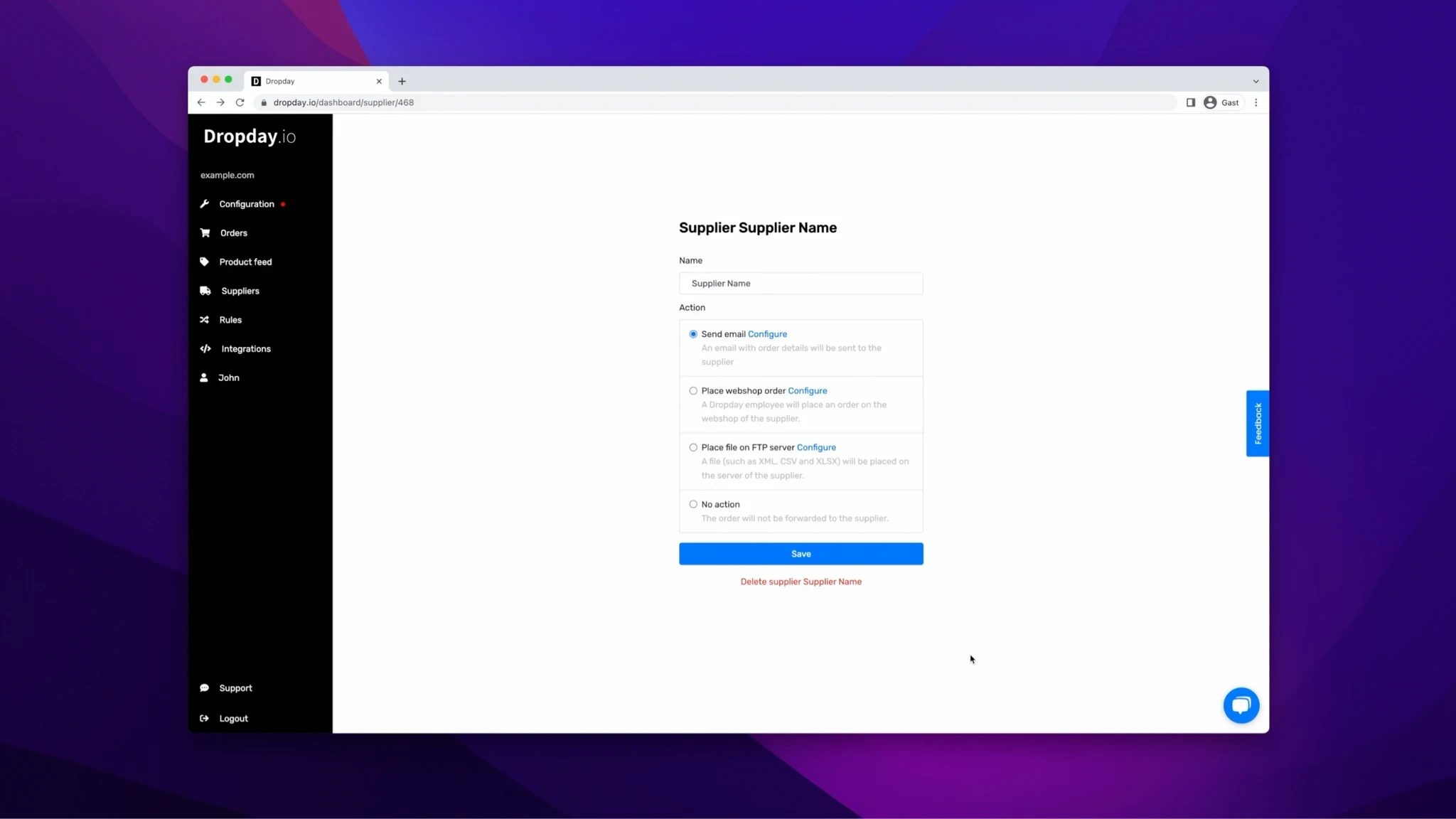
Custom JSON body construction
Suppliers rarely use a universal data format. One supplier might require the customer's last name in a field called surname, while another uses last_name. Dropday allows you to construct a custom JSON body using variables. You can map dynamic values from your Shopify order directly into the code structure your supplier requires.
You have full control over the request format. Whether you need to send a POST request to create an order or a GET request to check inventory status, you can configure the headers, body, and endpoint URL directly within the platform. This flexibility ensures that you can maintain a high-quality dropshipping api integration even if your suppliers change their system requirements.
Handling authentication and headers
Secure data transmission is non-negotiable in B2B commerce. Dropday supports various authentication methods, allowing you to include API keys, Bearer tokens, or Basic Auth credentials in the request headers. This ensures that your order data is accepted by the supplier’s firewall and processed immediately.
Moving beyond the basic Shopify dropship app
Most plug-and-play apps on the Shopify App Store are designed for sourcing products, not managing complex operations. They work well if you are dropshipping from AliExpress, but they fail when you work with professional European or North American manufacturers who have their own tech stacks.
A professional operations workflow requires more than just sending data; it requires logic. A standard Shopify dropship app rarely handles order splitting or complex routing rules effectively. In a real-world scenario, a single customer order might contain three items: two sourced from a supplier with an API, and one from a local partner who requires an email.
Dropday acts as a logic layer between Shopify and your supply chain. Before any API call is triggered, the system evaluates the order based on rules you define.
Order Routing: Automatically split the order based on SKU or vendor attributes.
Data Validation: Ensure addresses are formatted correctly before transmission.
Fallback Logic: If an API call fails (e.g., due to a supplier server timeout), the system can alert an operator or switch to a backup method like Email or FTP.
Use case: Automating orders with a private supplier
Consider a mid-sized furniture retailer using Shopify. They work with a private manufacturer that uses a modern ERP system but does not have a public Shopify app.
The Trigger: A customer buys a dining table and four chairs.
The Process: Dropday detects the order. Based on the SKU, it identifies the correct supplier.
The formatting: Dropday compiles a JSON payload containing the shipping details and internal reference numbers. It translates the Shopify SKU into the manufacturer’s internal part number using a mapping table.
The API Call: The system sends a
POSTrequest to the manufacturer's endpoint.The Confirmation: The supplier’s server responds with a
200 OKstatus and an internal tracking ID, which Dropday logs for reference.
This entire workflow happens in seconds, without human intervention. By removing manual entry, the retailer eliminates shipping errors caused by typos and significantly speeds up fulfillment times.
Scalability through technical control
Automation is not just about speed; it is about predictability. Relying on manual processes limits your ability to scale because every new order requires linear effort. By implementing a configurable API workflow, you decouple your revenue growth from your administrative workload.
Dropday provides the infrastructure to build these connections. We do not force you into a specific workflow or limit you to a pre-approved list of vendors. We provide the tools to connect your Shopify store to any partner capable of receiving digital orders.